Property Management Employee Onboarding Tool Kit | Grace Hill

Accelerate Success From Day One

This Onboarding Pathways Tool Kit is designed to help you leverage PerformanceHQ to streamline your new hire experience. Onboarding Pathways act as a short-term "sprint," focusing on getting employees up to speed within their first 90 days. By providing a clear "finish line," these Pathways ensure your team feels a sense of completion and success from day one. Use this tool kit to access templates, training schedules, and step-by-step tutorials to get your team started right!

Onboarding Pathways: Take A Short Tour

If you haven't already, take a interactive tour of Onboarding Pathways in PerformanceHQ to familiarize yourself with the feature and its many possibilities.

90-Day Onboarding Framework

These structured phases guide new hires through their first 90 days, transitioning them from initial orientation to full role proficiency. By following this clear progression, employees build the foundational skills and system knowledge necessary to handle their responsibilities, independently. Flip each card to read more about our recommendations for each phase.
Onboarding Pathways Tool Kit Thumbnail

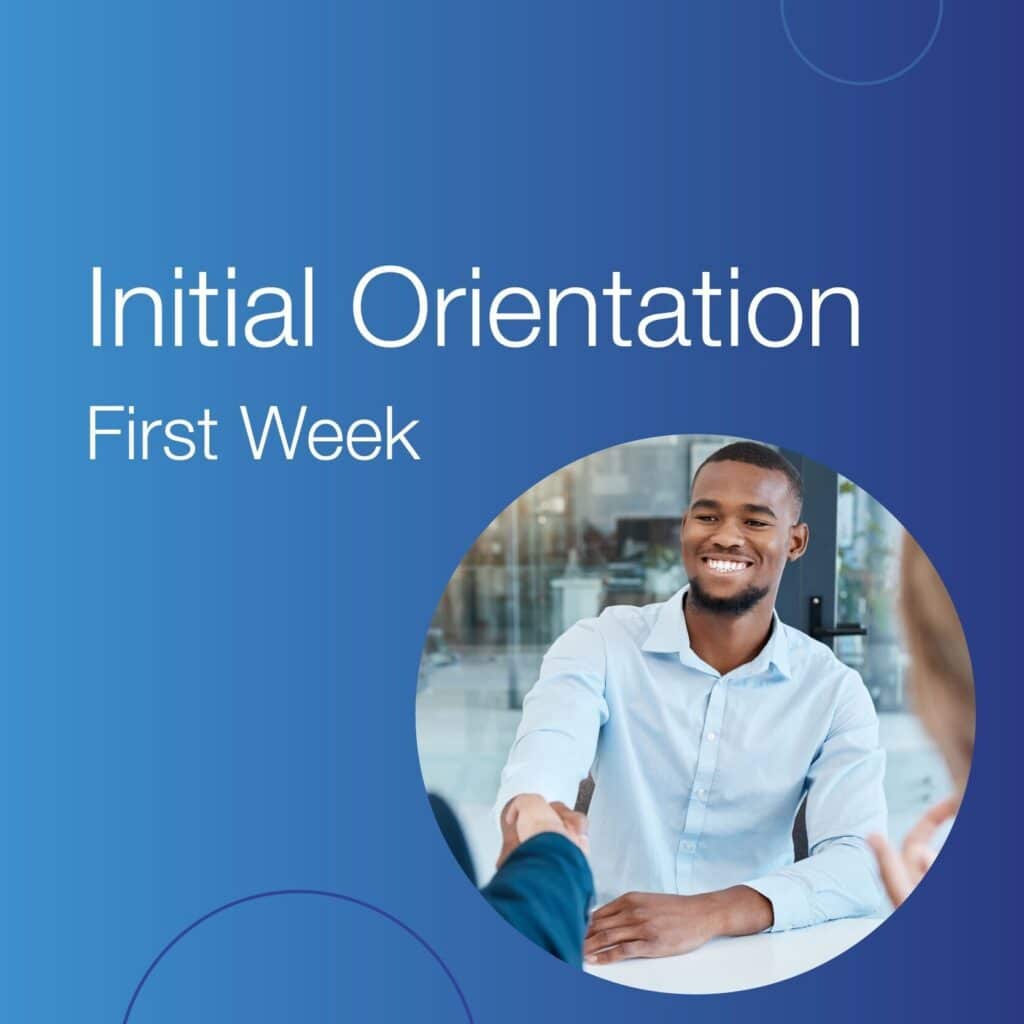
Initial Orientation
(First Week)

Introduce employees to the team, property or organization, systems, and key procedures. This phase typically includes orientation tasks, early shadowing opportunities, and required compliance training.
Onboarding Pathways Tool Kit Thumbnail

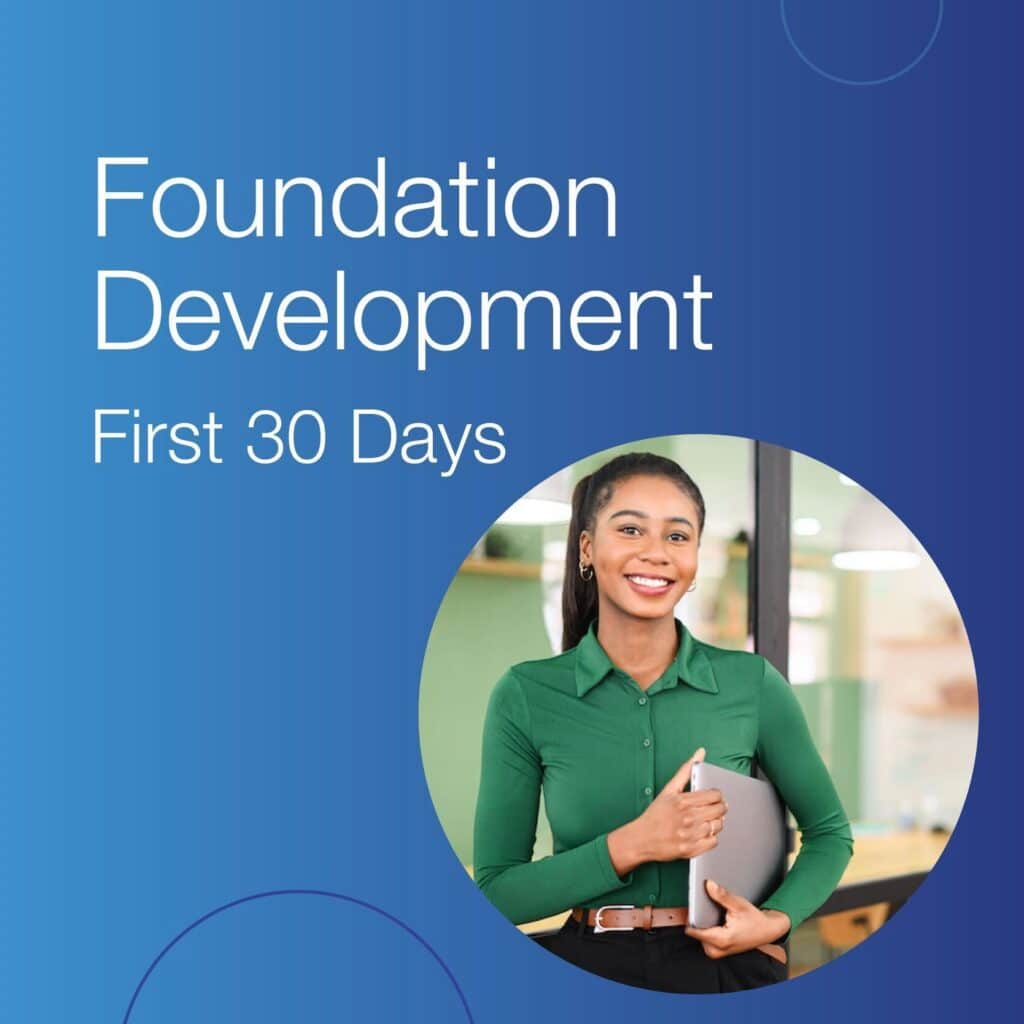
Foundational Development
(First 30 Days)

Focuses on guided practice and early skill development. Employees begin performing role-specific responsibilities with support while completing foundational training and reviewing key operational procedures.
Onboarding Pathways Tool Kit Thumbnail

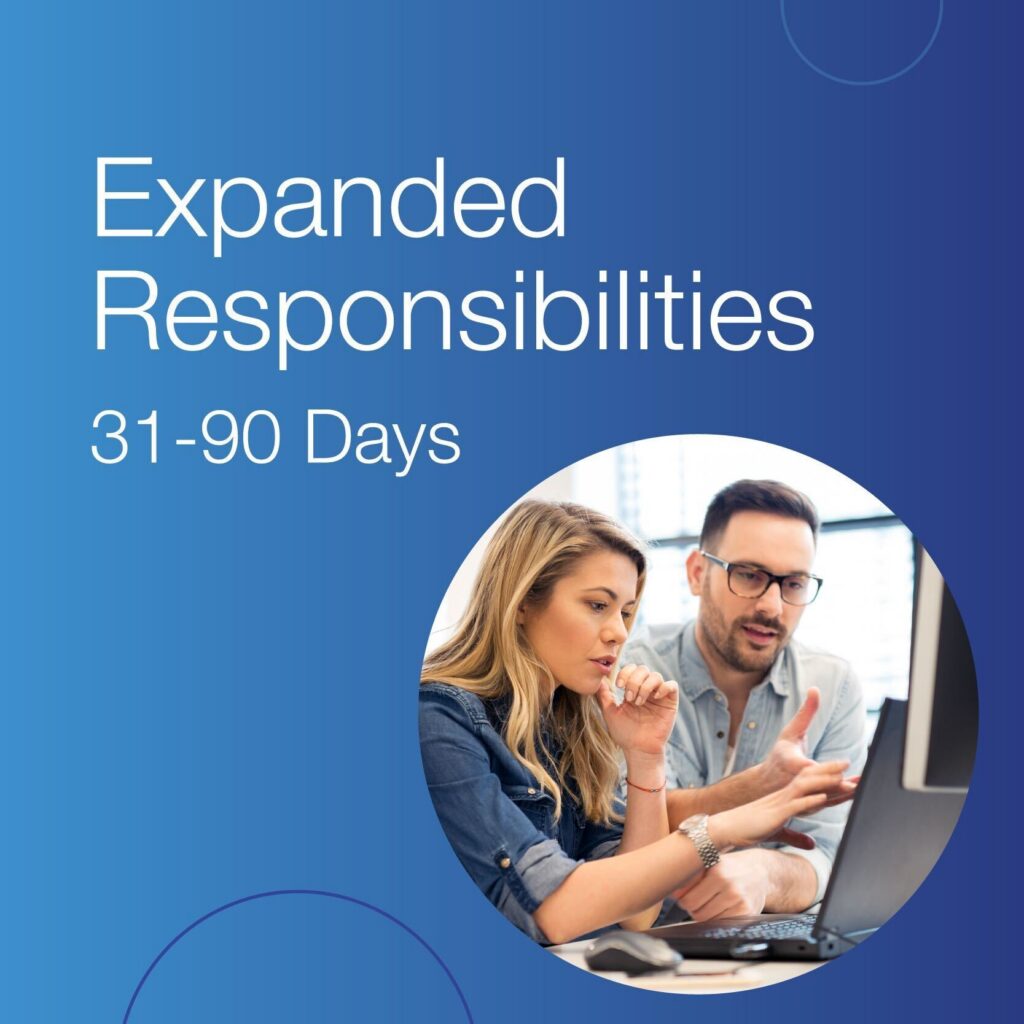
Expanded Responsibilities
(31–90 Days)

Builds toward increased independence in the role. Employees begin handling more responsibilities, participating in operational processes, and deepening their understanding of policies, systems, and resident or customer interactions.

Happy, business leader, multifamily hiring professional and woman with a smile in success with crossed arms in a light office. Portrait of a professional and confident white female employee in leadership and management at a company. Happy, business leader and woman with a smile in success with crossed arms in a light office. Portrait of a professional and confident white female employee in leadership and management at a company happy, business, leader, woman, female, portrait, office, white, smile, arms, confident, professional, it, success, light, company, employee, management, leadership, profession, lead, manage, crossed arms, young, people, beautiful, background, adult, smiling, computer, standing, working, technology, work, attractive, person, businesswoman, design, creative, online, worker, corporate, modern, designer, job, executive, excited, manager, smart, happiness

Getting Started

First impressions matter, and getting your new hires to full productivity shouldn’t feel like a marathon. To start, we suggest reviewing our recommended training schedule and choosing the right course and policy catalogs for your company. Once Performance Pathways are enabled in PerformanceHQ, you are off to the races!

How To Build a Pathway: Step-By-Step Tutorials

Ready to bring your onboarding to life in PerformanceHQ? These step-by-step tutorials guide you through every click, from naming your plan to attaching essential training resources and activities.


Connecting the Dots

Overview of Direct Assignments, Learning Plans, and Onboarding Pathways.

1. Now that we have reviewed your building blocks, it's time to decide how you want to deliver them. Choosing between an Assignment, a Learning Plan, or a Pathway depends on your reporting needs and the learner's timeline.

2. First, let's review Direct Assignments in PerformanceHQ. Direct Assignments are like the first layer of a delicious cake. As the first layer, they serve as a strong foundation for essential and required training tied to compliance.

3. This targeted compliance training can be assigned with Online Training courses like Fair Housing, Instructor-Led Training courses for virtual or in-person training, or as internal Policies that require a team member to review and acknowledge them.

4. By using enhanced, rule-based automation, admins can seamlessly assign required courses by position, location, group, and more. This ensures everyone has the exact baseline knowledge they need to be successful, and keeps the organization protected.

5. After being assigned, these Direct Assignments are organized by individual due dates, allowing the employee to prioritize the order of completion. Team members are greeted with their "to-do" upon login, eliminating any confusion on where to begin.

6. Employees with a role like Manage Team can view their team members' upcoming and overdue Assignments directly from the employee's profile. Managing accountability for direct assignments has never been easier!

7. Once the foundation is set, you add the filling. This is where the real flavor comes in with curated Learning Plans. Let's discuss how Learning Plans take training beyond basic compliance and focus on long-term career development.

8. Learning Plans are pre-built, role-based plans that provide a clear roadmap for skill growth. Instead of individual course due dates, like with Direct Assignments, you are tracking the completion of the entire plan.

9. With Learning Plans, we are focused on a specific skill, rather than an individual topic. Employees see one clear goal for each Learning Plan, rather than a scattered list of assignments or content topics.

10. Admins can leverage the pre-existing Learning Plans, and can also create their own custom Learning Plan. With a custom Learning Plan, admins are able to group (or bundle) different content types into a single, unified requirement or objective.

11. When creating a custom Learning Plan, an admin can pull in existing Learning Plans to expand on the already available topics, creating a personalized Learning Plan that aligns with your organization's goals.

12. When creating a custom Learning Plan, an admin can also include existing Online Courses, Instructor-Led Training Courses, or Policies. Now, instead of assigning 2 policies and 2 courses separately, you can bundle them.

13. Earlier, we discussed how Learning Plans can be assigned and how admins can track the completion of the entire plan. Since these plans can be leveraged to promote professional development, team members can also self-assign any plan that is visible.

14. Because there is no compliance pressure or strict due date, team members are able to browse and self-assign plans they are interested in exploring. Admins can help clarify expectations that are tied to professional growth and development.

15. Bringing awareness to available plans for self-assignment can also be done with Recommendations in PerformanceHQ. Admins can add recommendations at the position level, highlighting additional content that is available to team members.

16. Recommendations will dynamicaly update the employee's personalized dashboard.

17. Finally, we get to the top layer of the cake, the icing and decorations, aka Onboarding Pathways! Pathways take all the individual pieces, like courses, policies, and manual checklists, and structure them into one seamless, automated journey.

18. Click here

19. Click Due: 06/30/2026

20. Scroll down and click here

21. Click here

22. Click Complete

23. Click here

24. Click here

25. Open performancehq.gracehill and click Complete

26. Scroll up and click Pathways

27. Click 1% tasks completed out of 0% tasks expected to ...

28. Click Templates

29. Click here

30. Click 0

31. Click Review

32. Click BackCreate Assignment(s)

33. That's it. You're done.

Here's an interactive tutorial

https://www.iorad.com/player/2695167/How-to-Connect-the-Dots


Next step

Content Types and How to Connect Them

Overview of Content Types Including Policies, Online Courses, Instructor-Led Training, and Resources.

1. In this tutorial, you’ll explore the core content types that power effective training programs. Learn how each building block works, and how connecting them can create structured learning journeys for your teams.

2. To build an effective training program, start by understanding your content types and how they connect. Each can stand alone, but their real value comes from combining them. Let’s explore the Content Building Blocks that make this possible.

3. First up: Policies.

4. These documents define the “what to do,” outlining compliance requirements and company rules, like an Employee Handbook or Safety Protocol, and typically require a learner acknowledgment or digital signature.

5. Next are Online Courses.

6. These self-paced modules deliver on-demand learning through videos, slides, and quizzes, helping employees build foundational knowledge and skills anytime, anywhere.

7. Another key building block is Instructor-Led Training (ILT).

8. These live sessions, hosted in person or virtually—bring the human element to learning and are ideal for complex topics that benefit from real-time discussion and expert guidance.

9. Finally, Resources.

10. Resources support learning with helpful materials like files, images, and videos. These tools reinforce training and give employees quick access to the information they need to complete daily tasks.

11. You’ve now seen how each content type supports learning in a different way. When combined, these building blocks help you create structured programs that reinforce knowledge, support compliance, and drive employee success.

Here's an interactive tutorial

https://www.iorad.com/player/2694653/Content-Types-and-How-to-Connect-Them


Next step

Cleaning Up Existing Assignments

How to Remove Position, Location, or Group-Based Assignments and Create Learning Plan Assignments.

1. Today, we will cover how to remove existing Direct Assignments that are not compliance-related, and how to replace them with the appropriate Learning Plan.

2. As you will see, removing these Direct Assignments depends on the type of assignment that was created. We will focus on removing Position, Location, and Group-based Assignments, with an almost identical process.

3. Before we begin removing Assignments, it's a good practice to download a copy of your existing Assignments by Position, Location, and Group. Navigate and click on Reporting from the left-hand navigation menu.

4. Scroll to see the three reports you need to select and download. This will ensure your existing Assignment Days to Complete and existing Recurrence are saved in case they need to be referenced for your future Learning Plan Assignments.

5. Now that you have downloaded your reports, let's review how to remove Direct Assignments at the position level. From Positions, find and select the Position you want to remove Assignments from.

6. Click Assignments to see all existing Assignments for this position.

7. Select the Direct Assignments that are not compliance-related that you want to delete. After selecting your Assignments, find and click Delete Assignment(s).

8. After selecting Delete Assignment(s), a confirmation will display, reminding you that the system is processing your changes - you will see the removed assignments reflected shortly. Let's rinse and repeat for Locations and Group-based Assignments.

9. From Locations, find and select the Location you want to remove Assignments from.

10. Click Assignments to see all existing Assignments for this location.

11. Select the Direct Assignments that are not compliance-related that you want to delete. After selecting your Assignments, find and click Delete Assignment(s).

12. After selecting Delete Assignment(s), a confirmation will display, reminding you that the system is processing your changes - you will see the removed assignments reflected shortly. Let's rinse and repeat for Group-based Assignments.

13. From Groups, find and select the Group you want to remove Assignments from.

14. Click Assignments to see all existing Assignments for this group.

15. Select the Direct Assignments that are not compliance-related that you want to delete. After selecting your Assignments, find and click Delete Assignment(s).

16. After selecting Delete Assignment(s), a confirmation will display, reminding you that the system is processing your changes - you will see the removed assignments reflected shortly.

17. We just reviewed how to make changes to Direct Assignments at the Position, Location, and Group level. A reminder: changes can include the deletion of Assignments, but can also include changes to due dates, and exclusions to existing Assignments.

18. Now that you have deleted Direct Assignments that are not compliance-related, let's review how quickly you can replace them with Learning Plans. From Assignments, click on Create Assignment.

19. Your new Learning Plan can be added in bulk via Position, Location, or Group Assignments. Have a one-time Assignment? Leverage Special and Individual Assignments in bulk as well!

20. First, select how you want to assign your Learning Plan. In this example, we will be adding Learning Plans to multiple Positions.

21. To select specific Positions, click Add... and include all of the Positions you want to include in this Assignment.

22. To quickly select all available Positions, click All Positions.

23. Once you have selected the correct Position(s), it's time to select which Learning Plans will be added. To narrow down the list of Available Titles, use the Filters drop-down to filter by Training Type and click Learning Plans.

24. Scroll (or use the search option) to find the Learning Plan you want to include in this Position-based Assignment. To select the title, click the blue arrow to move the Learning Plan from Available to Selected Titles.

25. Once you have selected your Learning Plans, you can confirm the amount of time a learner will have to complete the Learning Plan after it's assigned.

26. You can also update the Recurrence for these Learning Plans. Do you need to ensure that team members complete this Learning Plan annually? Update your Recurrence from "Never" to 1 Year(s).

27. Now that you have confirmed the Positions and corresponding Learning Plans, along with the time to complete and recurrence, it's time to review and approve your changes. Click Review.

28. Review all of your changes before selecting Create Assignment (s).

29. Scroll and click Create Assignment(s).

30. Your new Learning Plans will be assigned in the background - now you can add additional Learning Plans to other Positions, Locations, or Groups.

31. That's it. You're done.

Here's an interactive tutorial

https://www.iorad.com/player/2698609/Cleaning-Up-Existing-Assignments


Next step

Available Quick-Start Templates in PerformanceHQ

Grace Hill Onboarding Pathway templates offer a structured 90-day onboarding foundation. These blueprints combine training, policies, and tasks to introduce key responsibilities and compliance requirements. They reinforce essential skills through hands-on experience, ensuring every new hire starts their role successfully. Scroll over each card to learn more.

Leasing Template

The Leasing template supports employees responsible for leasing activities and customer interactions. The pathway focuses on developing sales awareness, customer service skills, and compliance knowledge while introducing the processes involved in managing future resident inquiries, tours, applications, and resident communication.

Maintenance Template

The Maintenance template supports employees responsible for property and apartment  home maintenance. The pathway focuses on safety awareness, troubleshooting skills, and maintenance practices while helping technicians understand how their work contributes to the overall resident experience.

Assistant Manager Template

The Assistant Manager template supports employees responsible for overseeing leasing operations, resident relations, financial processes, and team coordination. The pathway focuses on building operational knowledge, compliance awareness, and leadership skills, while introducing key processes for property performance and team support.

Corporate Employee Template

The Corporate Employee template is designed for non-onsite roles across various departments, providing a flexible onboarding foundation. It helps employees understand the organization, team dynamics, and their role while supporting customization for role-specific training.

Corporate Supervisor Template

The Corporate Supervisor template supports employees responsible for leading teams, managing performance, and driving departmental results. The pathway focuses on developing leadership skills, team management capabilities, and strategic awareness while reinforcing accountability for team outcomes and organizational success.

Additional Onboarding Pathways Resources Located in AdminHQ

*Note: You must log into AdminHQ to access.

Employee Onboarding Best Practices from Grace Hill

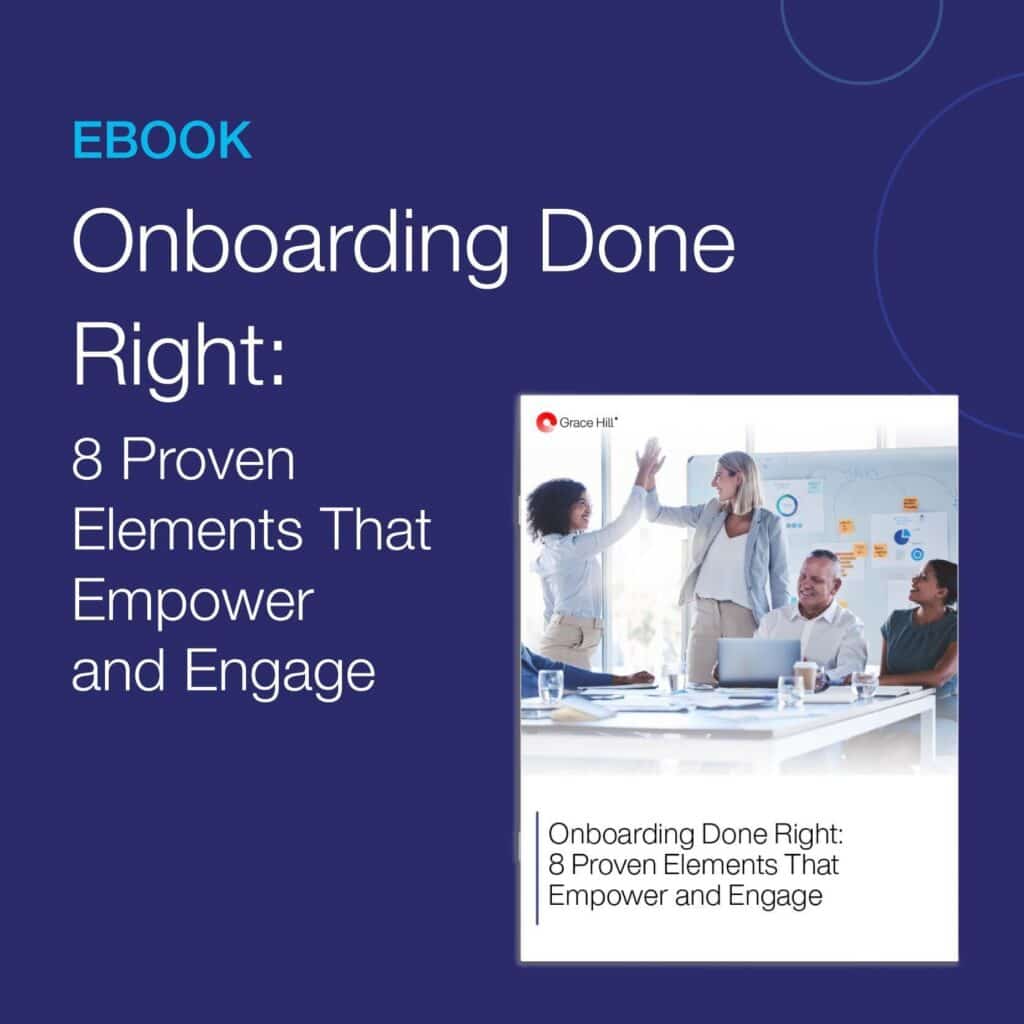
Elevate your strategy with expert insights from Grace Hill on the art of onboarding. These resources offer proven methods to improve training efficiency and significantly reduce employee turnover. Explore the assets below to master the difference between simple orientation and a truly successful onboarding experience!
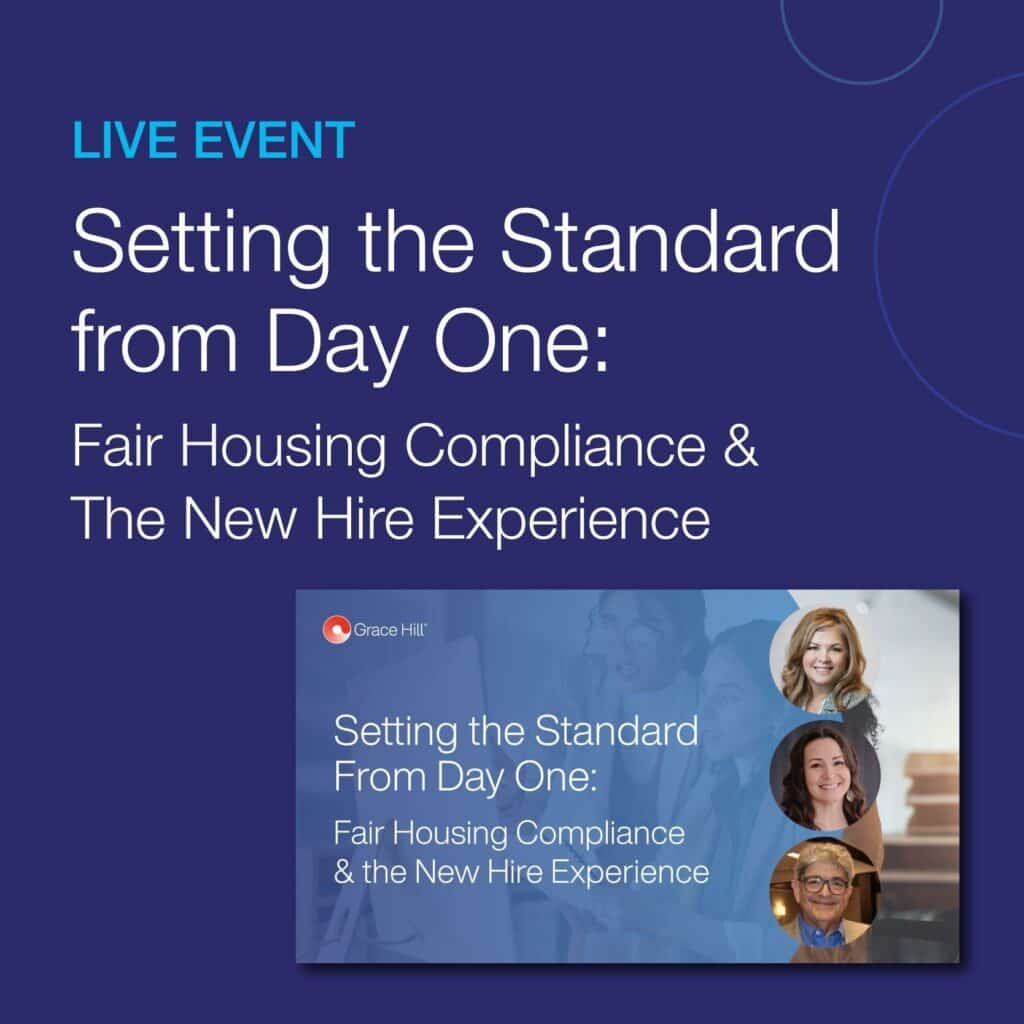
UPCOMING LIVE EVENT
Wednesday, April 8, 2026 | 1 PM (ET)

10 Proven Ways to Improve Property Management Training in Multifamily

Ready to empower your employees with impactful property management training they will actually enjoy? Here are 10 tips you can implement — regardless of your size or resources.

Multifamily Employee Onboarding vs Orientation: Why Both Matter for Retention

In this blog, we will explore the disparities between orientation and onboarding, examine what each entails, process why they are essential for retaining talent, and uncover the cost of forgoing these distinct training opportunities.

5 Tips To Make Your Maintenance Teams Feel Valued

Maintenance pros keep communities running — here are five impactful ways to make these essential team members feel seen, heard, and supported.

Frequently Asked Questions

See additional Frequently Asked Questions by logging into AdminHQ.

Still need to add Onboarding Pathways in PerformanceHQ?

Contact us today to get started!

Scroll to Top